Close CRM Integration

Your Reps Still Hand‑Type Webinar Leads. The Warm Ones Go Cold.

You keep Close. You keep your webinar host. AEvent runs the hand-off in between: every registrant pushed into Close the moment they register, matched by email so you never get a duplicate, with Notes and Tasks that fire based on who attended, watched, or clicked. One direction only, AEvent into Close. One API key to connect it.

Your Reps Are Good at Closing. Not 9pm Data Entry.

Your reps are good at closing. They are not paid to copy email addresses out of a webinar report at 9pm. But that is what happens when your webinar tool and your CRM do not talk, and every registrant they have not gotten to yet is a warm lead cooling off.

AEvent Closes That Gap.

The moment someone registers, AEvent creates their Lead in Close, sets a Lead Status, and can open an Opportunity, log a Task, and map their registration answers into your custom fields. It runs one way, AEvent into Close, matched on email, so you update the person you already have instead of stacking up duplicates.

Connect Close in Five Steps

One API key, no app to install. Registration and webinar behavior push straight into Close, one direction.

1

In AEvent, open Integrations, click Add Integration, search "Close CRM," name it, and click Add.

2

In Close, go to Settings then Developer, create and copy your API key. Paste it into AEvent and click Connect.

3

Click Test. A success confirms your key works. Test checks the key, not each individual action.

4

Open a campaign, set Close CRM to Active, click the cogwheel, and choose what fires on registration: the Lead and Lead Status, plus an optional Opportunity, Task, and your custom-field mapping.

5

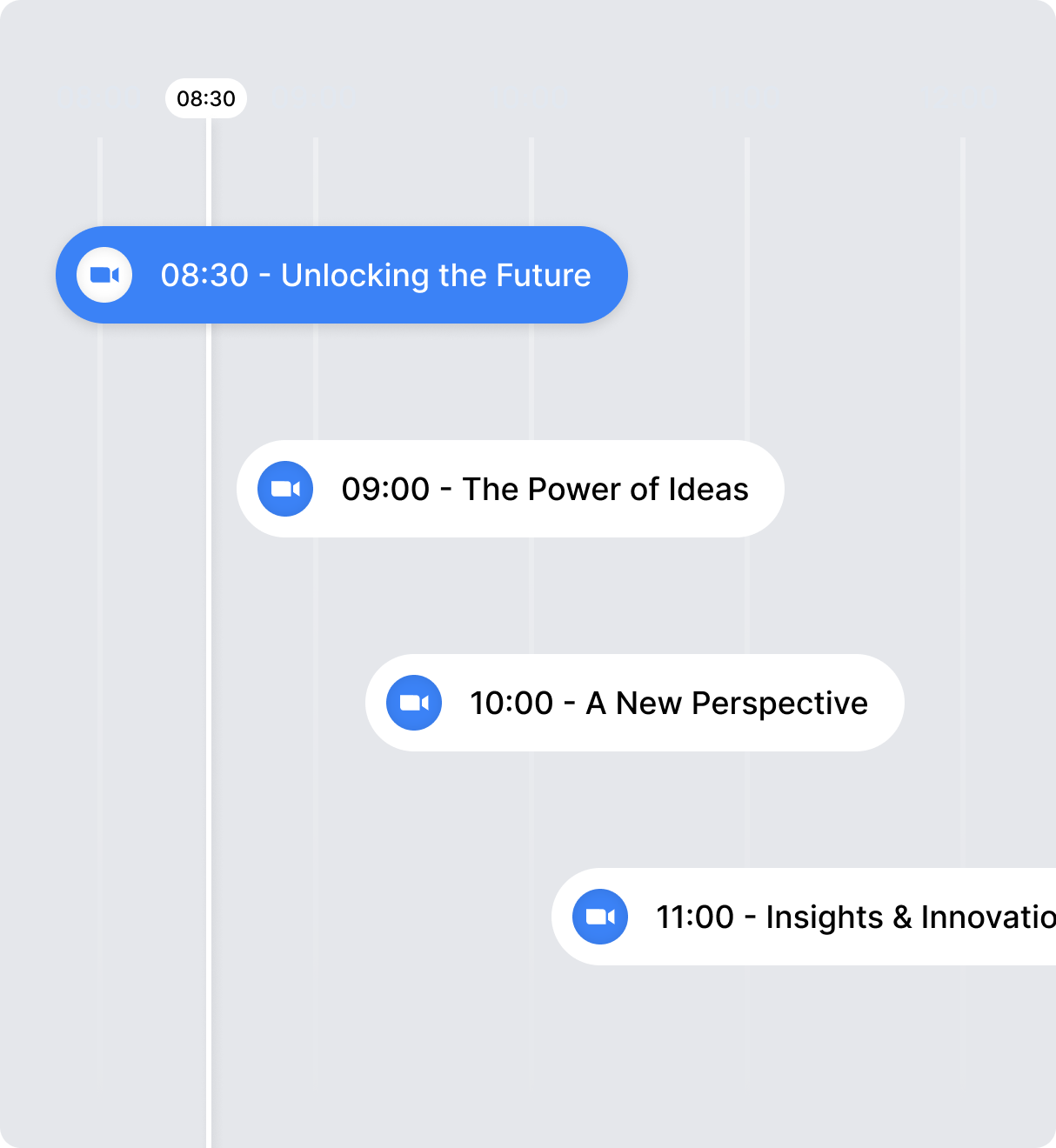
In the Timeline Builder, add your Close actions (Add Lead, Add Note, Create Task) with a date, time, and audience.

Everything AEvent Pushes Into Close

In Close Before the Tab Closes

The second they register, a hot Lead lands in Close with the status you set, so your rep dials while intent is still hot.

Know Who's Ready to Buy Before You Call

Watched past the pitch, left early, or never showed — each writes its own signal on the Lead, so reps call the hot ones first.

Pipeline That Fills Itself

Every high-ticket registrant opens as a Close Opportunity with deal value, stage, and a behavior note, before you go live.

Build Once, Feed Close Forever

Live, evergreen, recurring, or a five-day challenge run on the same rules, so every event you run feeds Close without rewiring setup.

Every Lead Opens Pre-Qualified

Source, segment, and their own qualifying answers land in the Close fields your reps already read, so no one digs.

Close Is the Only Screen Reps Open

Every webinar signal flows one direction into Close, so your team lives in one system with no second dashboard and nothing to export.

Why Teams Run Close Through AEvent

AEvent automates the push into Close, so your pipeline reflects real behavior the moment it happens, not whenever someone remembers to log it.

One Direction, No Surprises

AEvent pushes into Close and never syncs back, so Close stays your system of record and nothing your reps rely on gets overwritten.

Matched on Email

Every registrant is matched to the existing Lead by email, so you update the person you already have instead of stacking up duplicates.

Fires on Real Behavior

Notes and Tasks fire based on who registered, attended, watched, or clicked, gated to the audience that earned them. Opportunities open on the Lead at registration.

Real Businesses. Real Funnels. Real Results.

From startups to scaling teams, see how AEvent helps marketers turn their platforms into behavior-driven event machines.

Jhon David
CEO - Lurn
Lina Michles
CEO - Lurn
Mark Ling
CEO - Affiliorama
Jhon David
CEO - Lurn
Lina Michles
CEO - Lurn
Lina Michles
CEO - Lurn

Frequently Asked Questions.

No. The integration runs one way: AEvent into Close. Registration and webinar behavior push into Close as Leads, Notes, Tasks, and Opportunities. Nothing flows back from Close into AEvent, so Close stays your system of record and AEvent stays the source of webinar activity.

No. AEvent matches on email address. If a Lead with that email already exists in Close, AEvent updates it instead of creating a new one. Same person, same Lead, every time.

With an API key. You copy your key from Close's Developer settings and paste it into AEvent once, and that authorizes the push. There is no separate app for your team to install.

AEvent creates a Lead, adds the person as a Contact on that Lead, and assigns the Lead Status you pick. From there it can also open an Opportunity, add a Task, and map your registration fields into Close custom fields, all at the moment of registration.

Yes. Close actions live on your AEvent timeline and are gated by audience, so they only fire for the people who match. You can post a Note or create a Task for one segment and leave another untouched, based on how each person actually engaged.

No. AEvent wraps the webinar host you already run, Zoom, GoTo, YouTube Live, or AStream, and pushes into the Close account you already use. You add the layer between them. You do not replace either one.

The integration is part of AEvent. Pricing is by plan, so check the current plans at aevent.com/pricing and confirm which tier includes the integrations you need before you start.

The Close custom field has to exist before you map it. Map a field Close does not have and the value is silently dropped, with no error. Create the field in Close first, then map it, and it fills at both the Lead and Contact level.

Stop Being the Glue
Between Your Webinar
and Your CRM.

Every registrant in Close automatically, set to the Lead Status you choose, matched on email so it never leaves a duplicate. One direction only, AEvent into Close. Setup is one API key from your Close settings. No app to install.

Popular With Hub Spot

Hey! Type your Name & Email We will send case study to your inbox